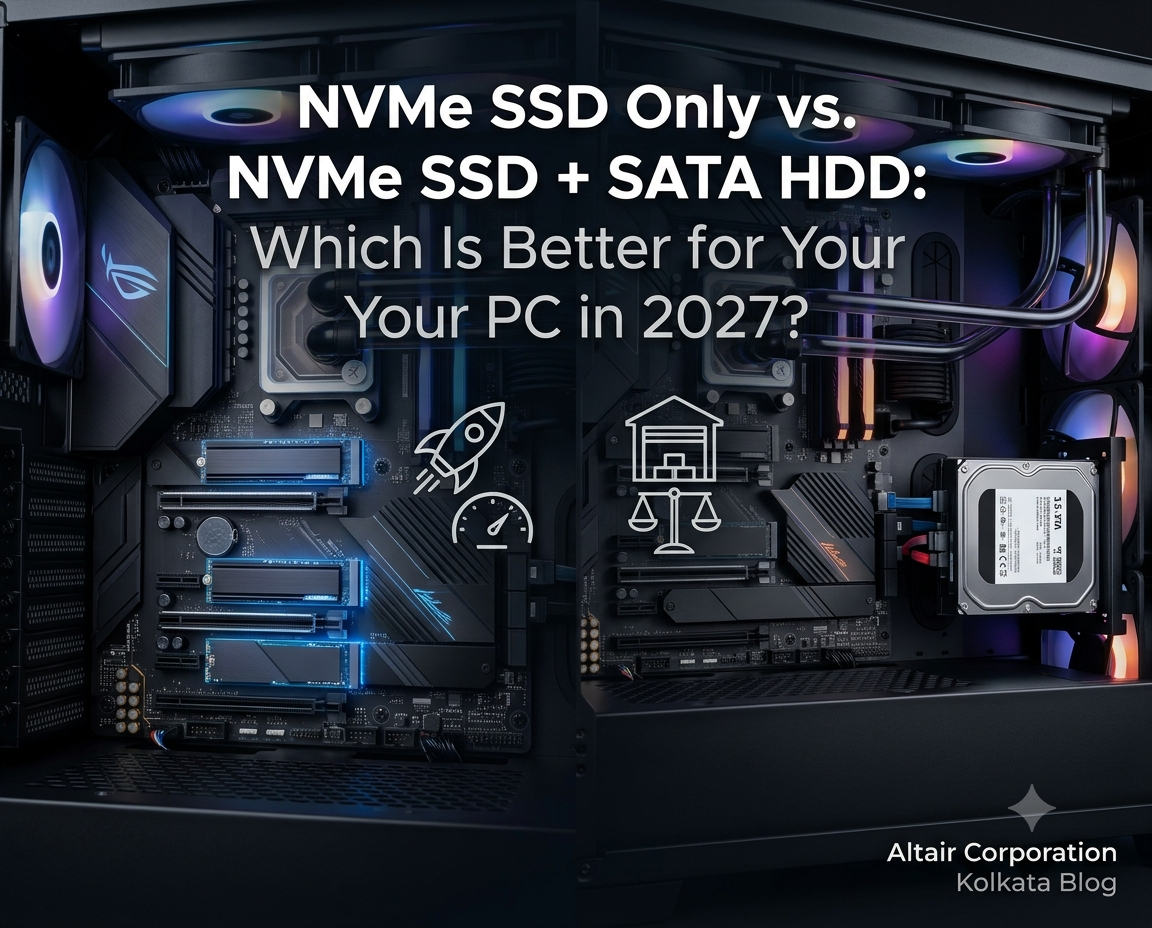
NVMe SSD Only vs. NVMe SSD + SATA HDD: Which Is Better for Your PC in 2027?
There is an all-time high demand for data
storage solutions in India, as well as in Kolkata. The demand for high-speed NVMe
SSD data drives is higher. The NVMe SSD + SATA HDD is a solid hybrid
setup that provides even higher-speed storage solutions for systems that do
heavier work.
We aimed to understand which of these
setups you actually need in 2027 for a high-performing computer.
NVMe SSD Only vs. NVMe SSD + SATA HDD: What's the
Difference?
An NVMe SSD usually plugs into an M.2 slot
on your motherboard and talks to the CPU over PCIe. That makes it remarkably
fast.
A SATA HDD is a spinning disk in a bay with
cables, built for cheap, roomy storage.
So, the question is simple: do you want one fast drive or a fast drive plus a big, slow one?
Key Differences
|
Factor |
Simple NVMe SSD |
NVMe SSD + SATA HDD |
|
Speed |
Everything runs fast (about 5,000–7,500
MB/s on Gen 4) |
OS and apps are fast; HDD manages about
150–200 MB/s |
|
Cost per TB |
Higher |
HDDs are cheaper per TB |
|
Max capacity |
Consumer SSDs are practical up to about
4–8 TB |
HDDs go up to 20–24 TB per drive |
|
Cables and space |
Clean, no cables |
Needs a 3.5" bay plus SATA data and
power cables |
|
Noise and wear |
Silent, no moving parts |
HDD is audible and has moving parts |
When is an NVMe SSD-Only Setup Better?
For Gaming and Everyday PC Use
Get higher speed boost in daily use.
- ·
Windows boots faster on NVMe,
against an HDD
- ·
Big open-world games may load
in roughly a few seconds on NVMe but it can take a bit longer on an HDD.
If your games and apps live on one fast drive, you never have to think about which drive holds what.
For Performance-Focused Compact PC Builds
Small cabinets don't have much room. An
NVMe drive sits flat on the motherboard with no cables, so airflow stays
better.
An SSD also draws less power than an HDD.
When Should You Choose an NVMe SSD + SATA HDD?
Choose an HDD when you need more space than
you want to pay for.
For Large Files and Media Storage
Some modern games take 150–250 GB each, and
photo and movie libraries only grow.
A 2–4 TB HDD next to a 500 GB–1 TB NVMe
boot drive is a popular pairing for this reason.
For Video Editing and Content Creation
Raw footage can fill drives quickly.
Copying very large mixed files takes about 15–25 seconds on NVMe, against 3–5
minutes on an HDD.
For Users Who Need More Storage at a Lower Cost
Above 10 TB, HDDs are the only affordable
option for most budgets. If you're after terabytes rather than speed, the
combination wins.
What Should You Check Before Choosing a Storage Setup in
2027?
|
Check |
Why it matters |
|
M.2 slots and SATA ports |
Some boards share bandwidth between
certain M.2 slots and SATA ports, so check the manual |
|
Cabinet bays |
A 3.5" HDD needs a free bay |
|
PCIe generation |
Gen 3, Gen 4 and Gen 5 all work; Gen 5
runs hot and needs a heatsink |
|
Real storage needs |
Games, media and project files |
Prices keep changing, so check live prices
before you buy.
Which Storage Configuration Should You Choose?
·
Choose NVMe only if you
want a quiet, simple, fast PC and your files fit in 1–2 TB.
·
Choose NVMe + SATA HDD
if you have a big game library or lots of media, or if you want cheap backup
space.
If you're unsure, you can also start with a
1 TB NVMe and add an HDD later.
About Altair Corporation
Altair Corporation is an IT Sales and
Service company based in Kolkata with over 2 decades of experience. We
provide IT services and equipment to hundreds of clients across Kolkata and
West Bengal.
In the past few years, we have provided our
customers with the latest available NVMe SSD and HDDs in the market from top
brands.
We continue to provide high-performance SDDs,
HDDs and other accessories for both PCs and Laptops.
FAQs
Is an NVMe SSD alone enough for a PC in 2027?
Yes, for most people. It's enough if 1–2 TB
covers your games, files and projects. Heavy media users will run out of space
sooner.
Does adding a SATA HDD slow down an NVMe SSD?
No. They connect through different
interfaces, so the HDD doesn't slow the NVMe. The only thing to check is
whether your motherboard shares lanes between some M.2 slots and SATA ports.
Should I install Windows on an NVMe SSD or HDD?
Always the NVMe SSD. Boot times drop from
about 25–40 seconds to about 6–10 seconds.